features · what ships today
Everything it does, today.
Only what is built and working is listed here. Postgres and MySQL, side by side.
01 — live data
The data is alive.
Liveness is the point of the tool, and it is cheap by design.
Live tables and grids postgres + mysql
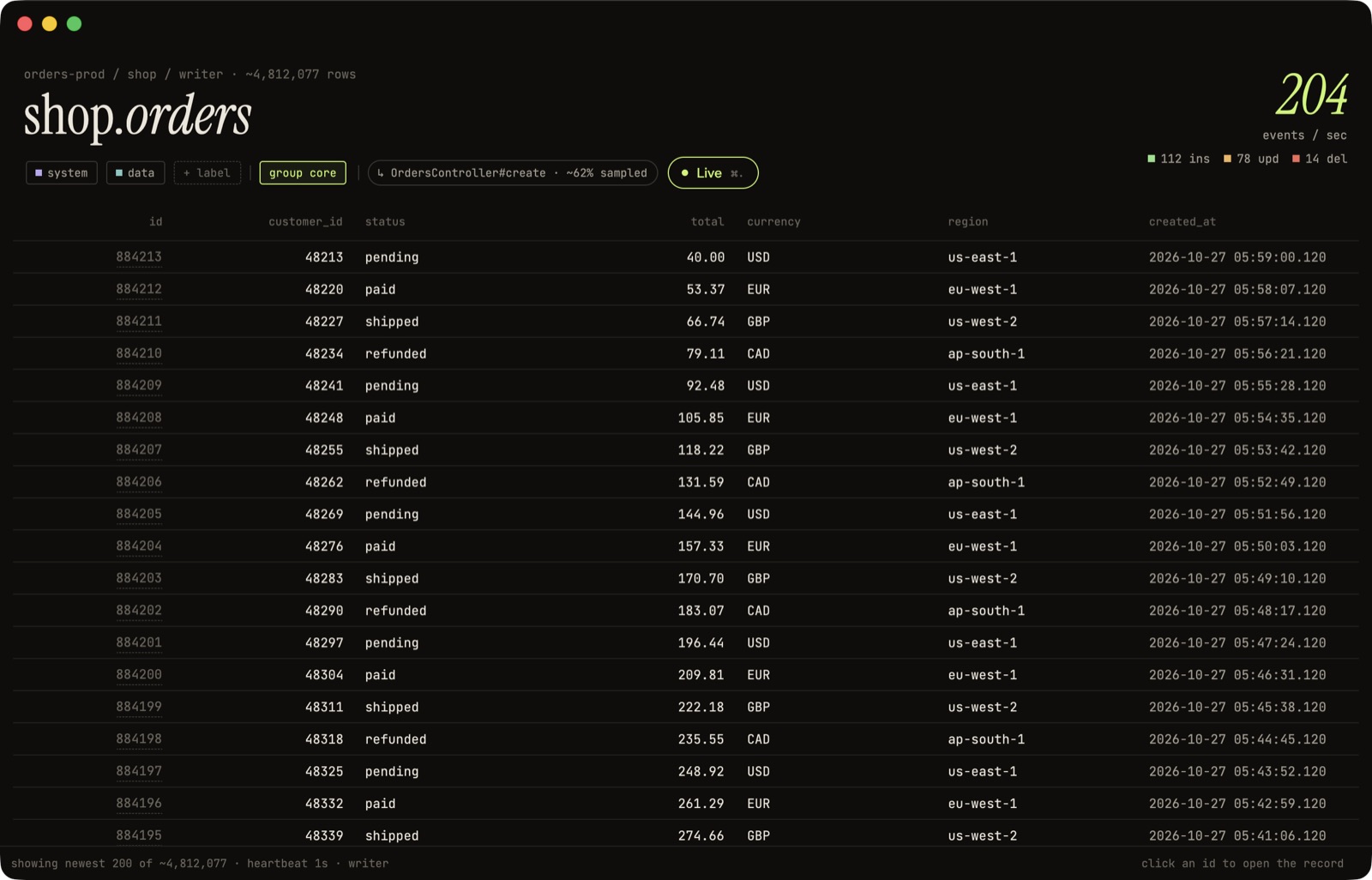
A heartbeat polls table statistics every one to two seconds. The sidebar shows heat per table and the grid refreshes only what changed. A table with no writes does not move at all.
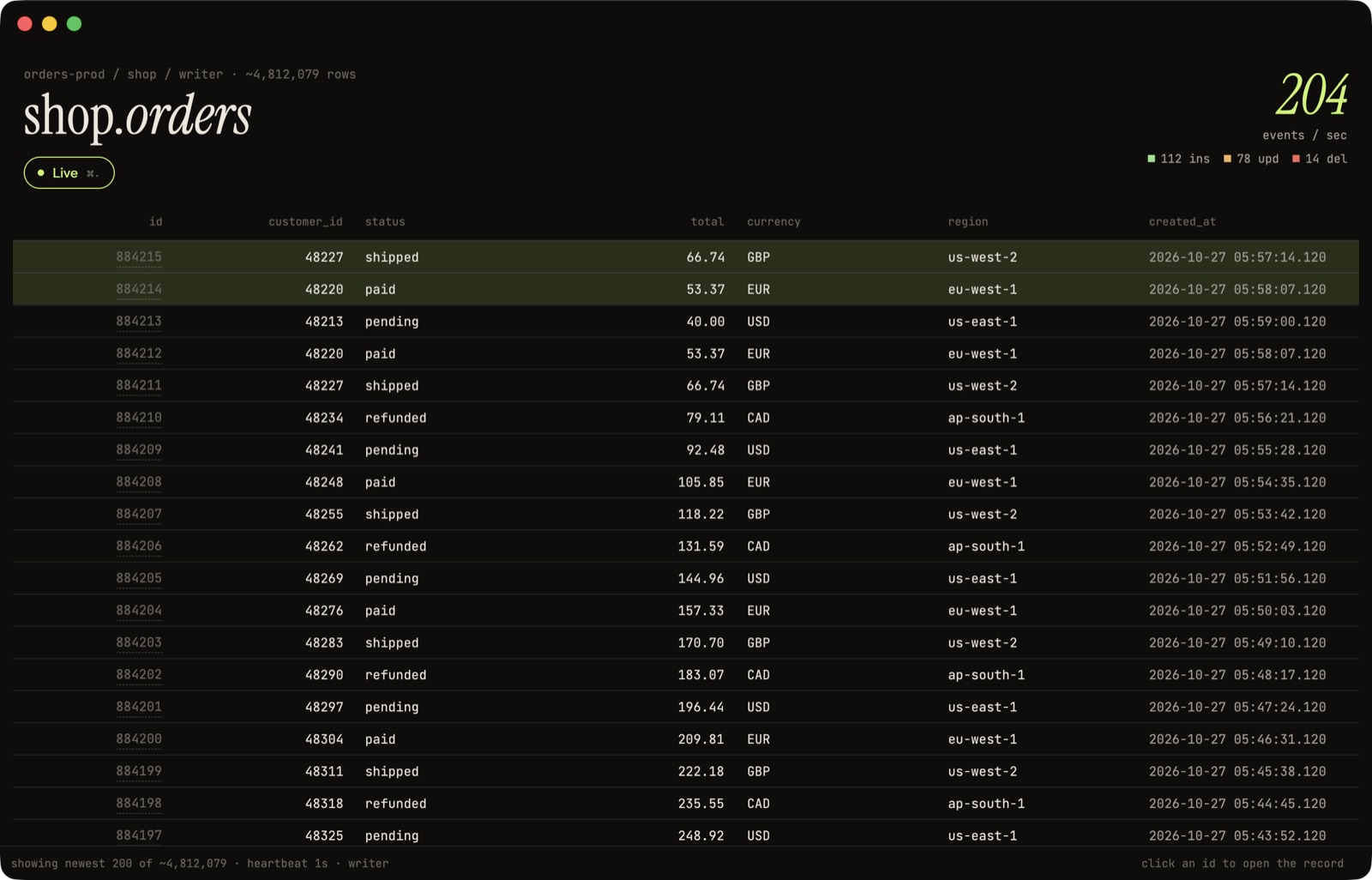
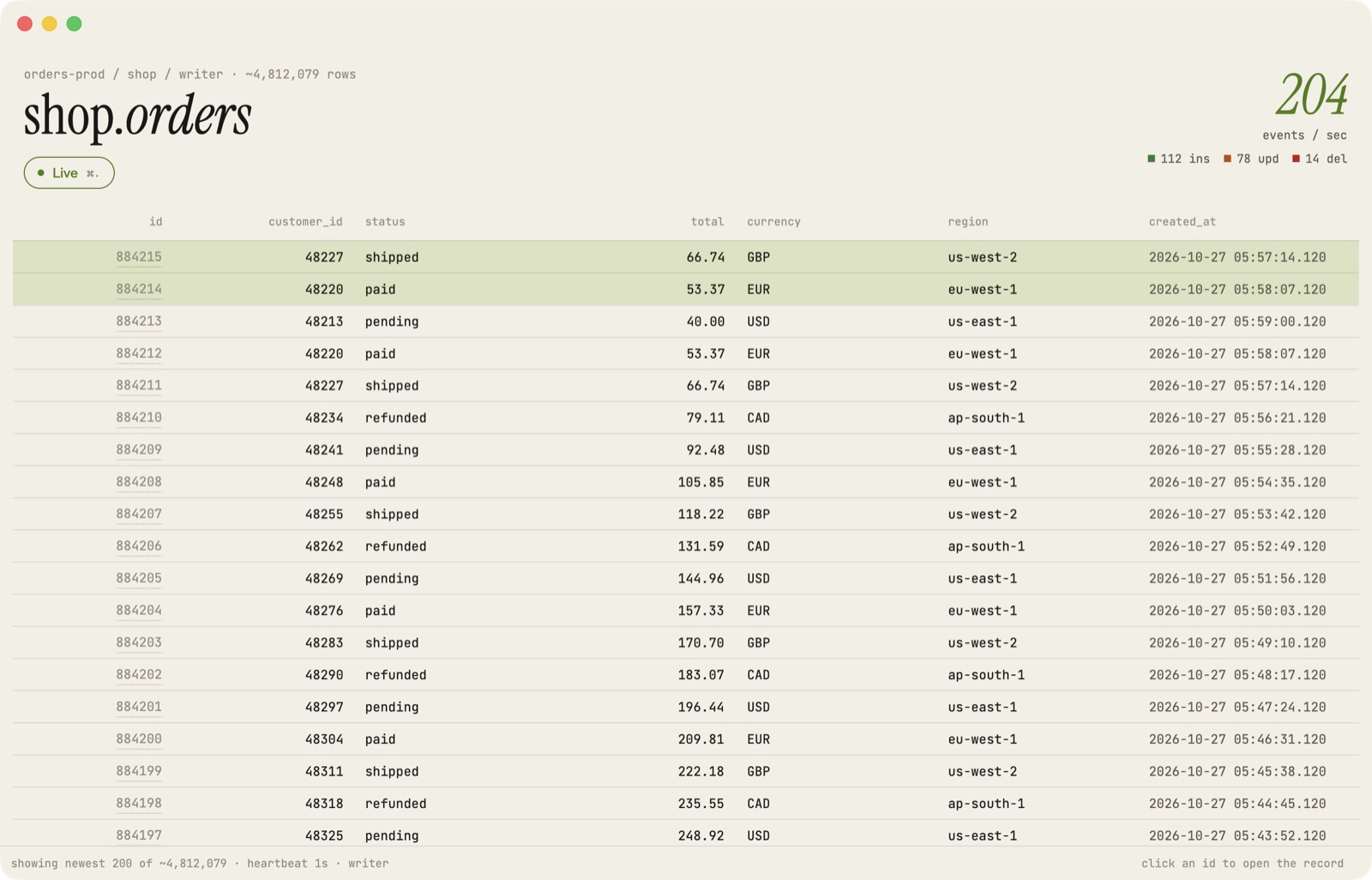
Opt-in stream tier postgres + mysql
For a table you are watching closely, switch to a stream. PhosphorDB reads Postgres logical replication or the MySQL binlog and shows each row as it arrives. Streams are temporary where the engine allows it, cleaned up quickly, and their state is on screen.
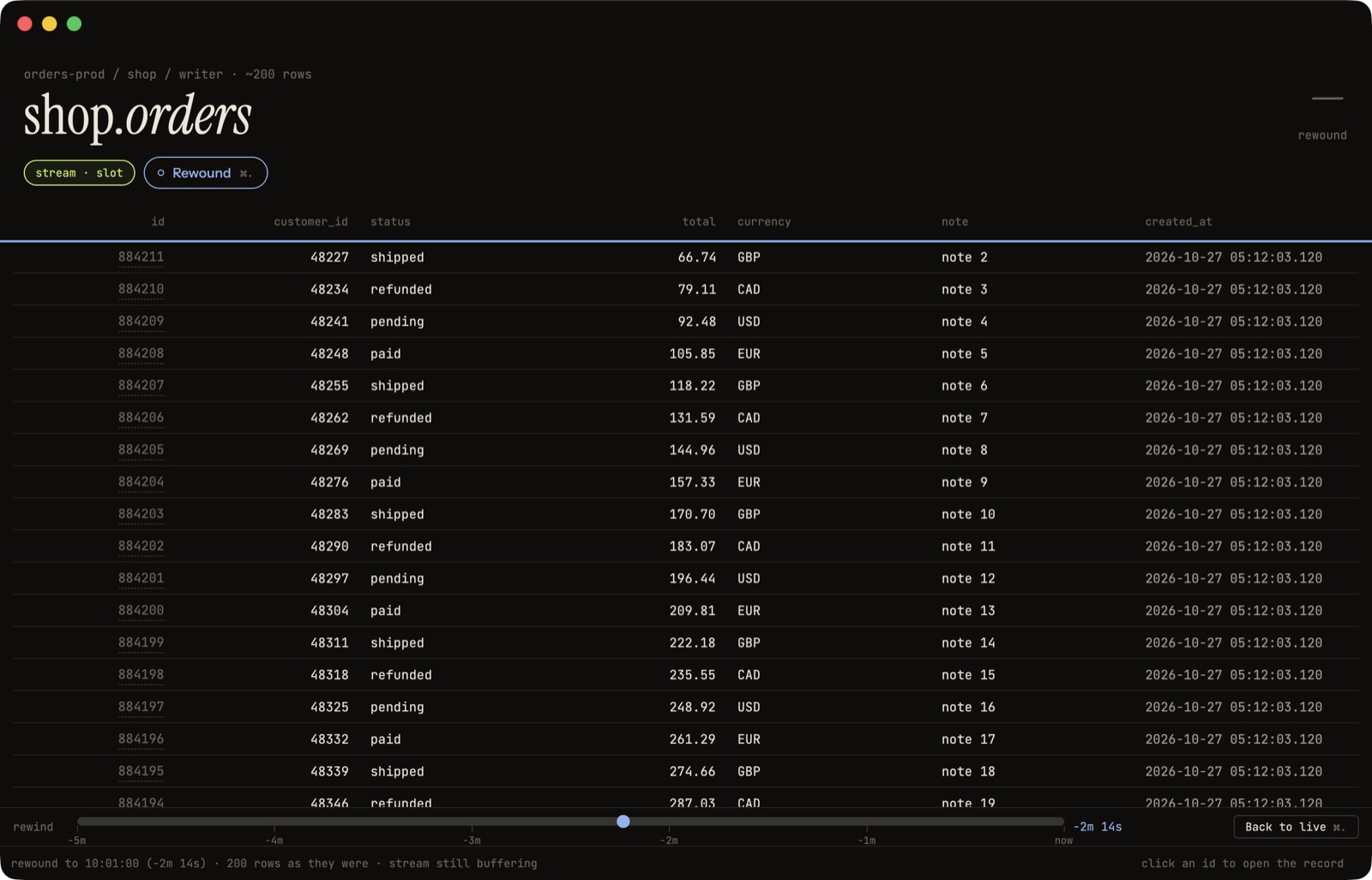
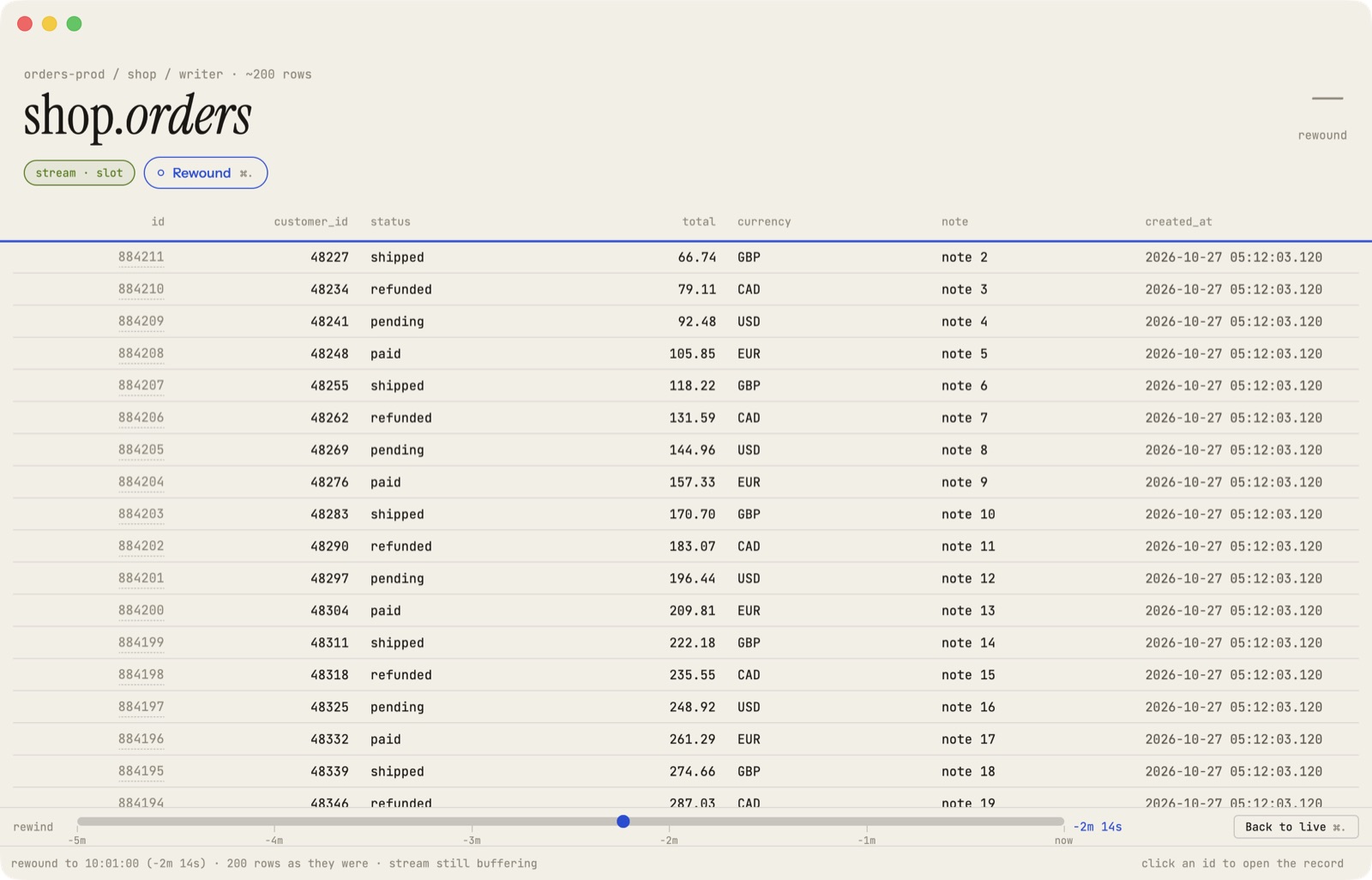
Time scrubber shipped
Drag back through the last five minutes of changes to see what a table looked like and what changed. Let go and it returns to live.
Honest liveness shipped
Every label says what the data really is: heartbeat, sampled, or streaming. Nothing claims to be more live than it is.
02 — rows
Work with the rows.
Row edits are allowed. They are explicit, staged, and written with a visible statement.
Staged inline edits shipped
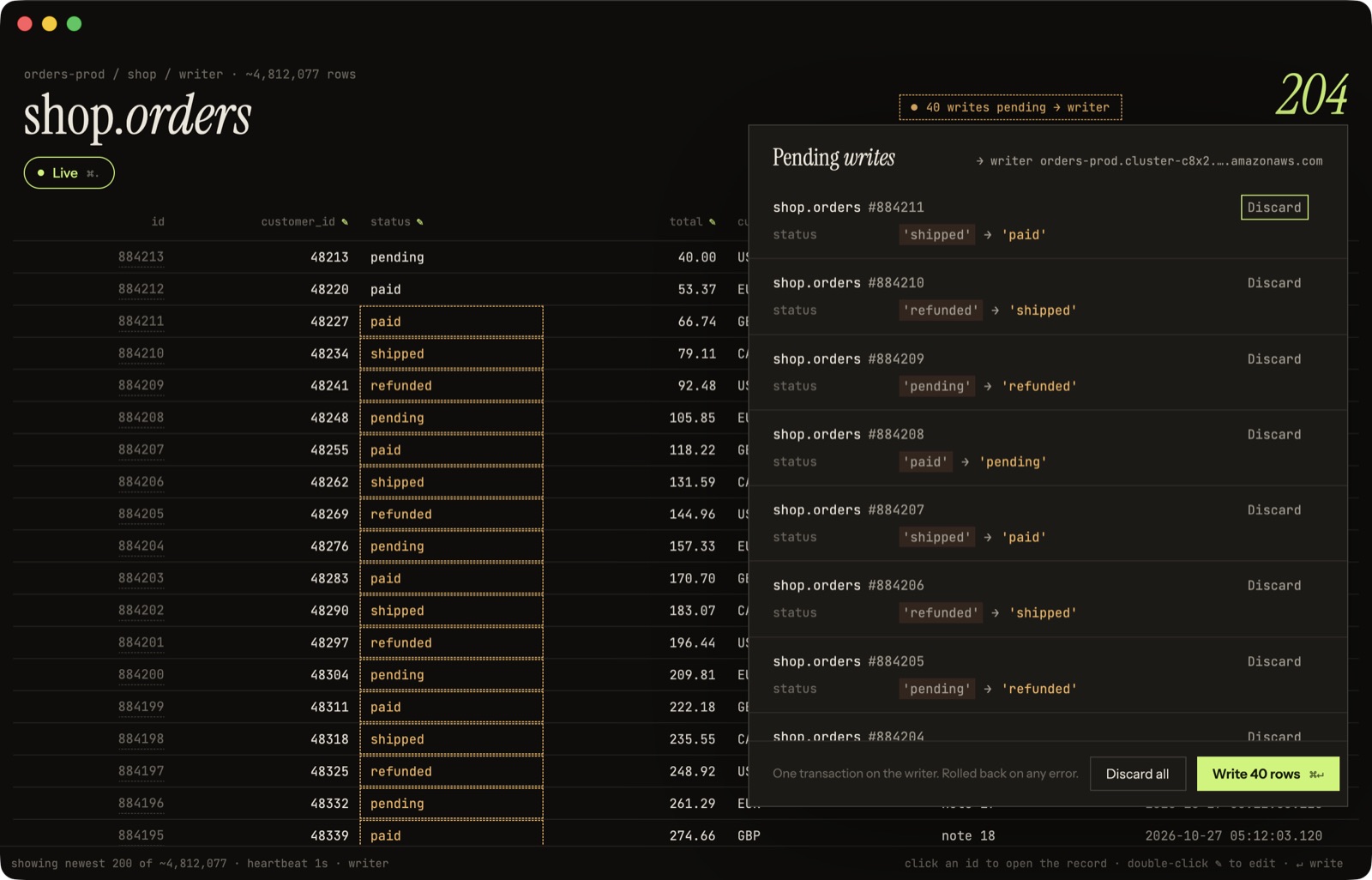
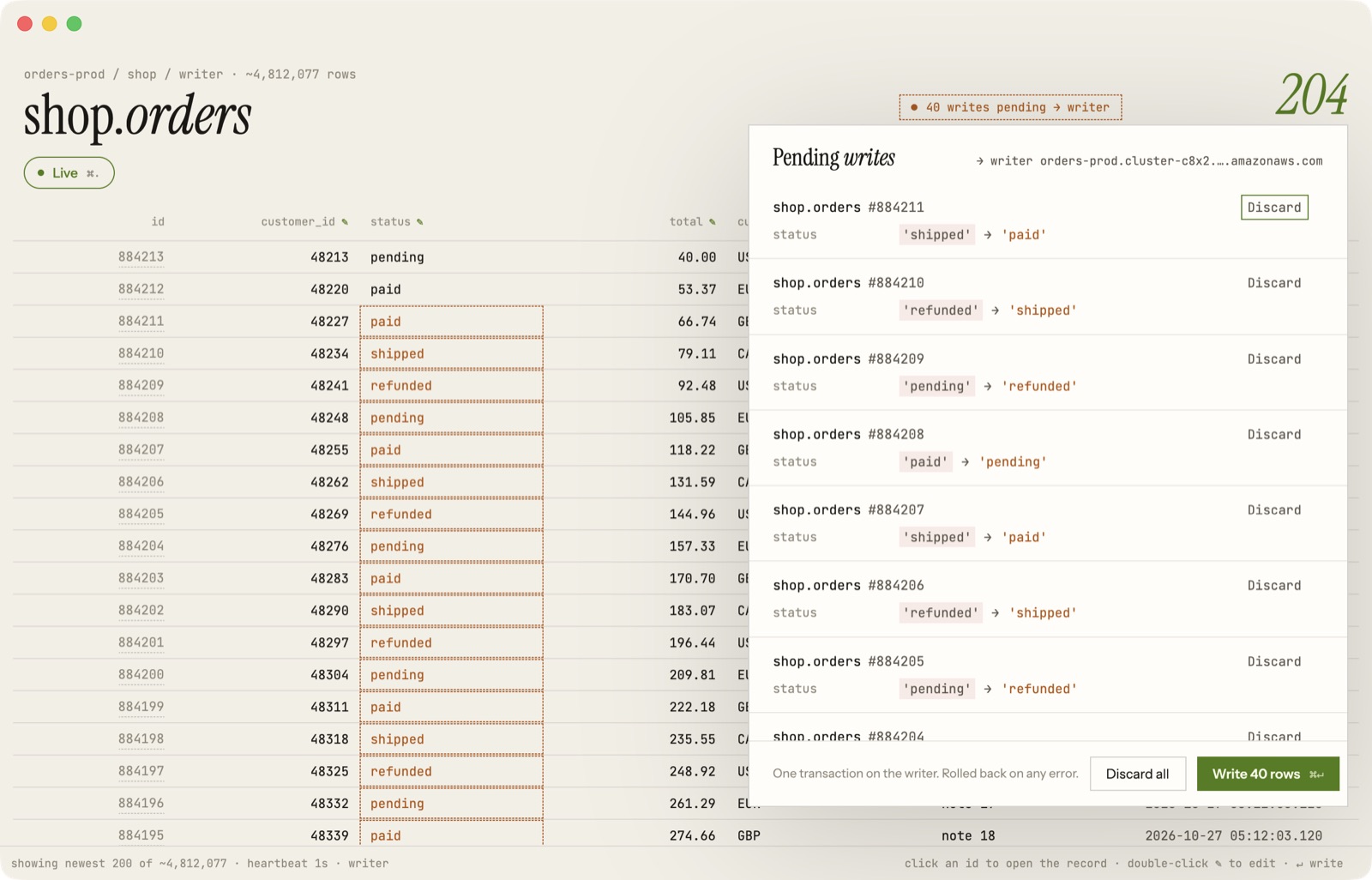
Double-click a cell, change it, press return. The edit is staged, not sent. It shows as a pending write until you commit it.
Insert and delete shipped
Add and remove rows from the grid. Deletes dissolve out of view and inserts appear in place, both as staged writes.
Pending writes tray shipped
Everything staged waits in one tray with the exact statement for each. Commit with one key. Writes go to the writer endpoint only. Compare-and-set protects you from overwriting a row that changed underneath you.
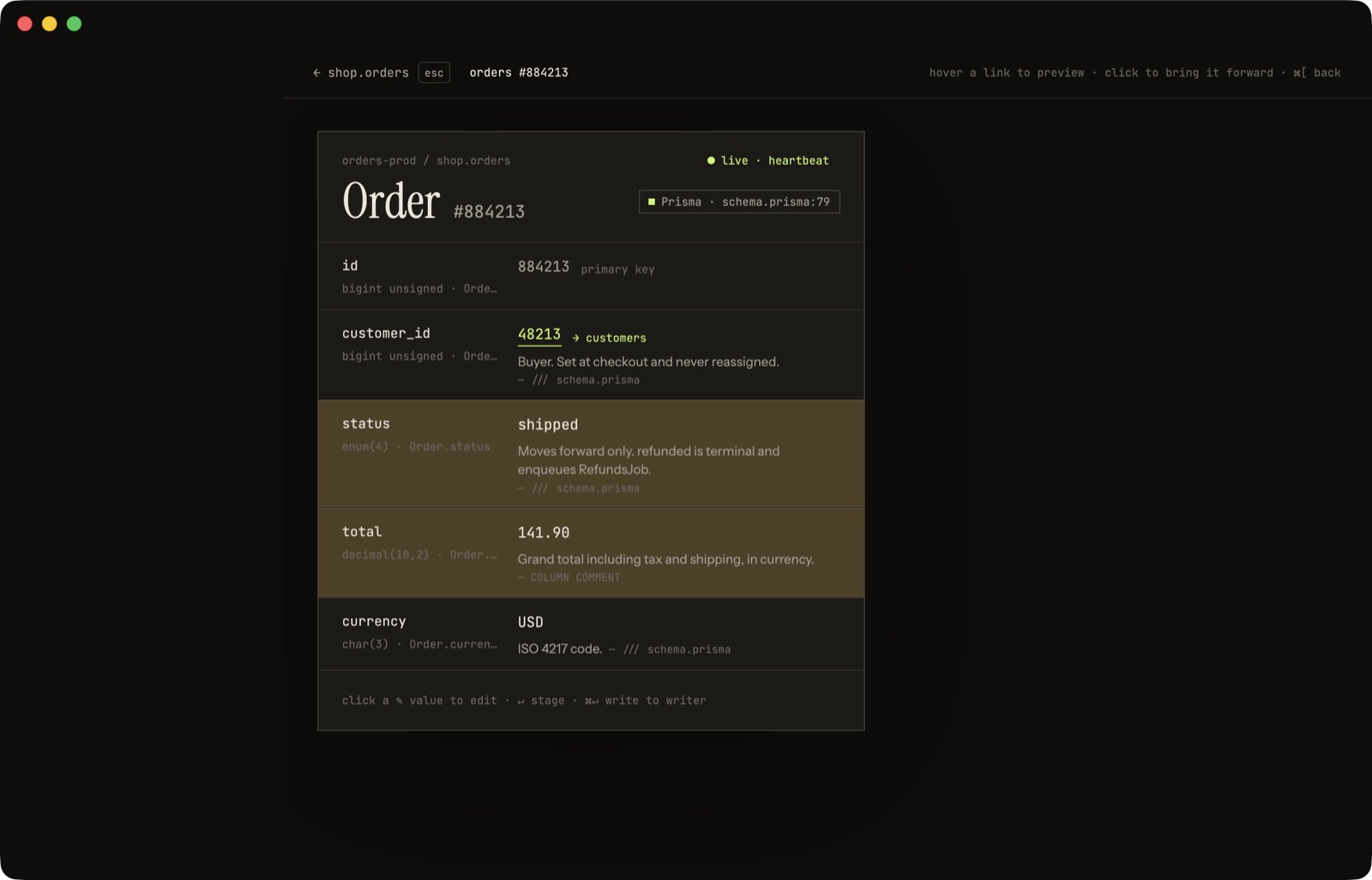
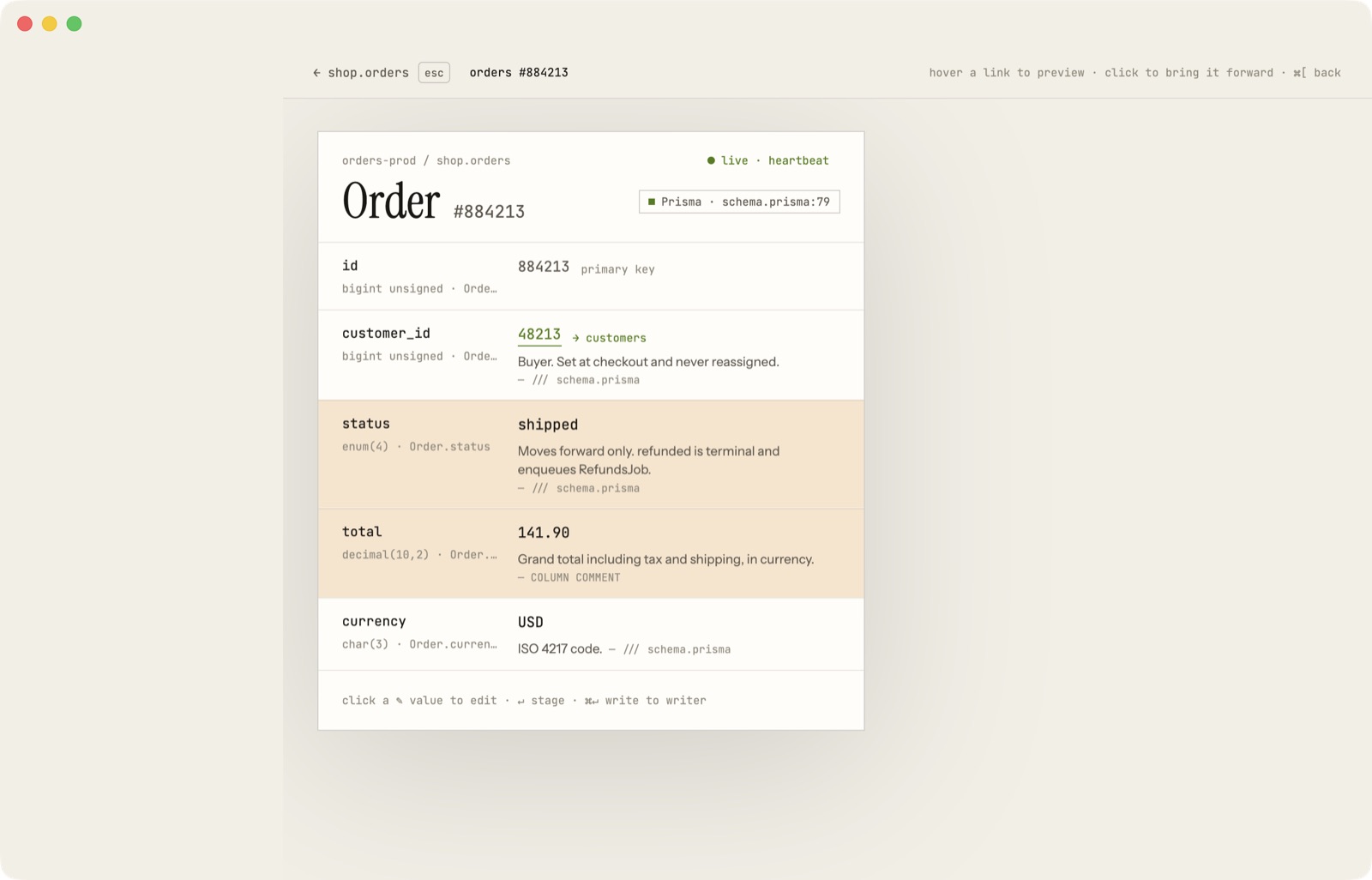
Record view shipped
Open any row as a model. Follow foreign keys to related rows and walk back to the rows that reference it. Descriptions from your Prisma schema appear next to columns.
Statement log shipped
Every statement PhosphorDB writes is listed with its status and latency. Open it with ⌘L.
03 — queries and performance
Find the hot query.
From a slow endpoint to the line of code and the plan, in one window.
SQL editor shipped
Run a statement and get a live result grid. History of your last twenty statements, cancel on demand, one statement at a time.
EXPLAIN and estimates shipped
Plan any select. Full scans are flagged, row estimates are shown before and after, and you can analyze on a replica when you want real timings.
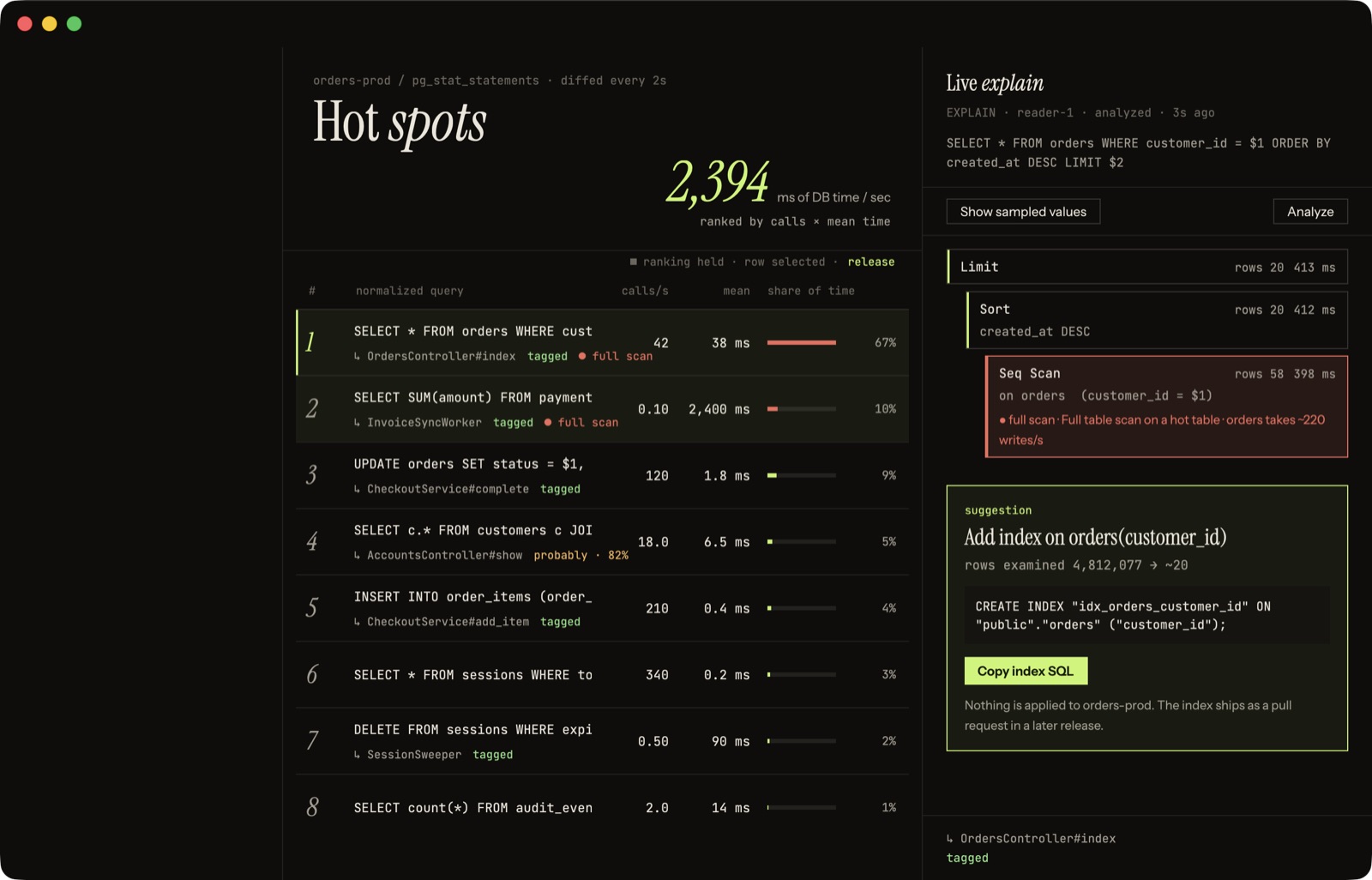
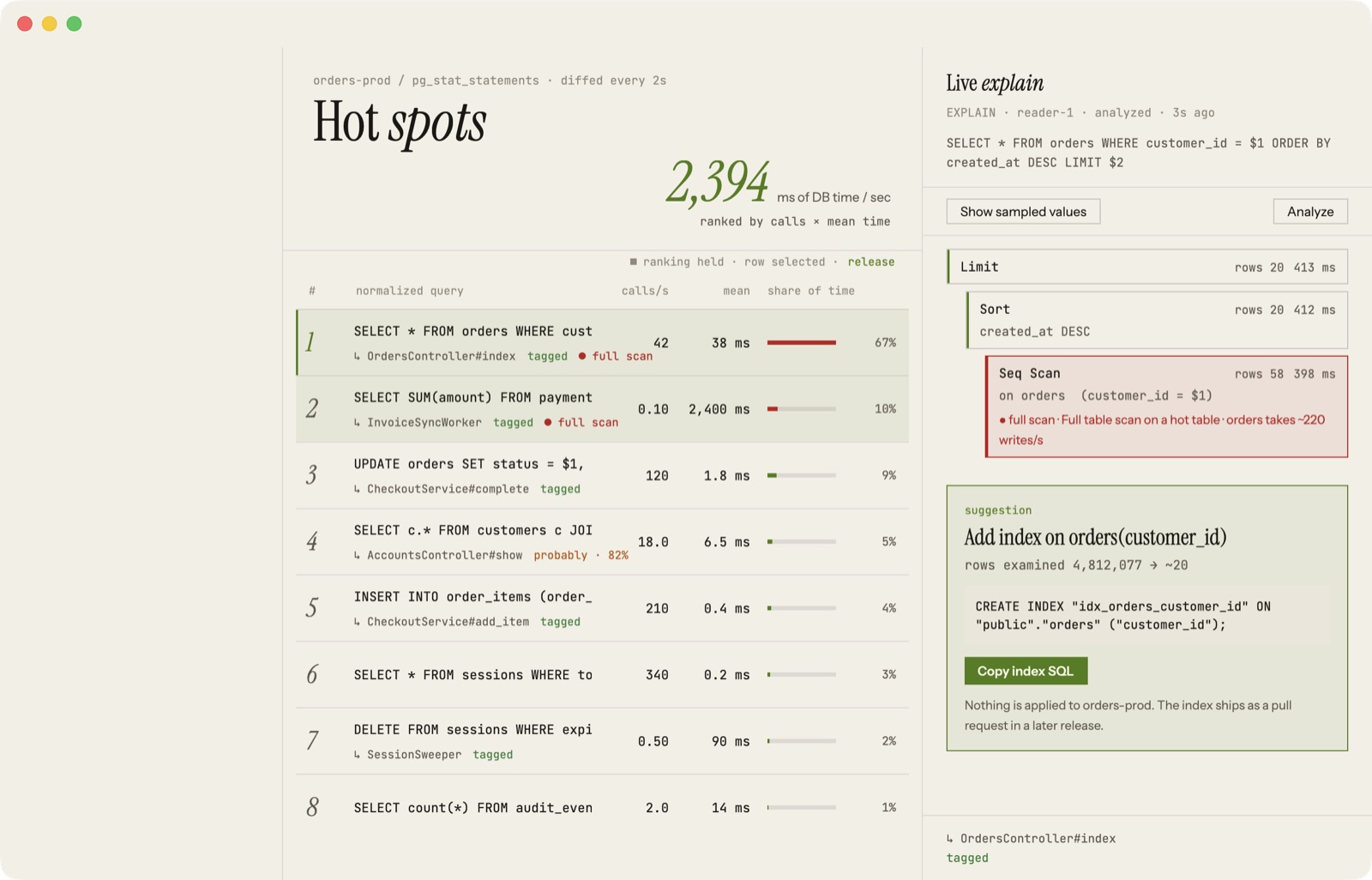
Hot spots shipped
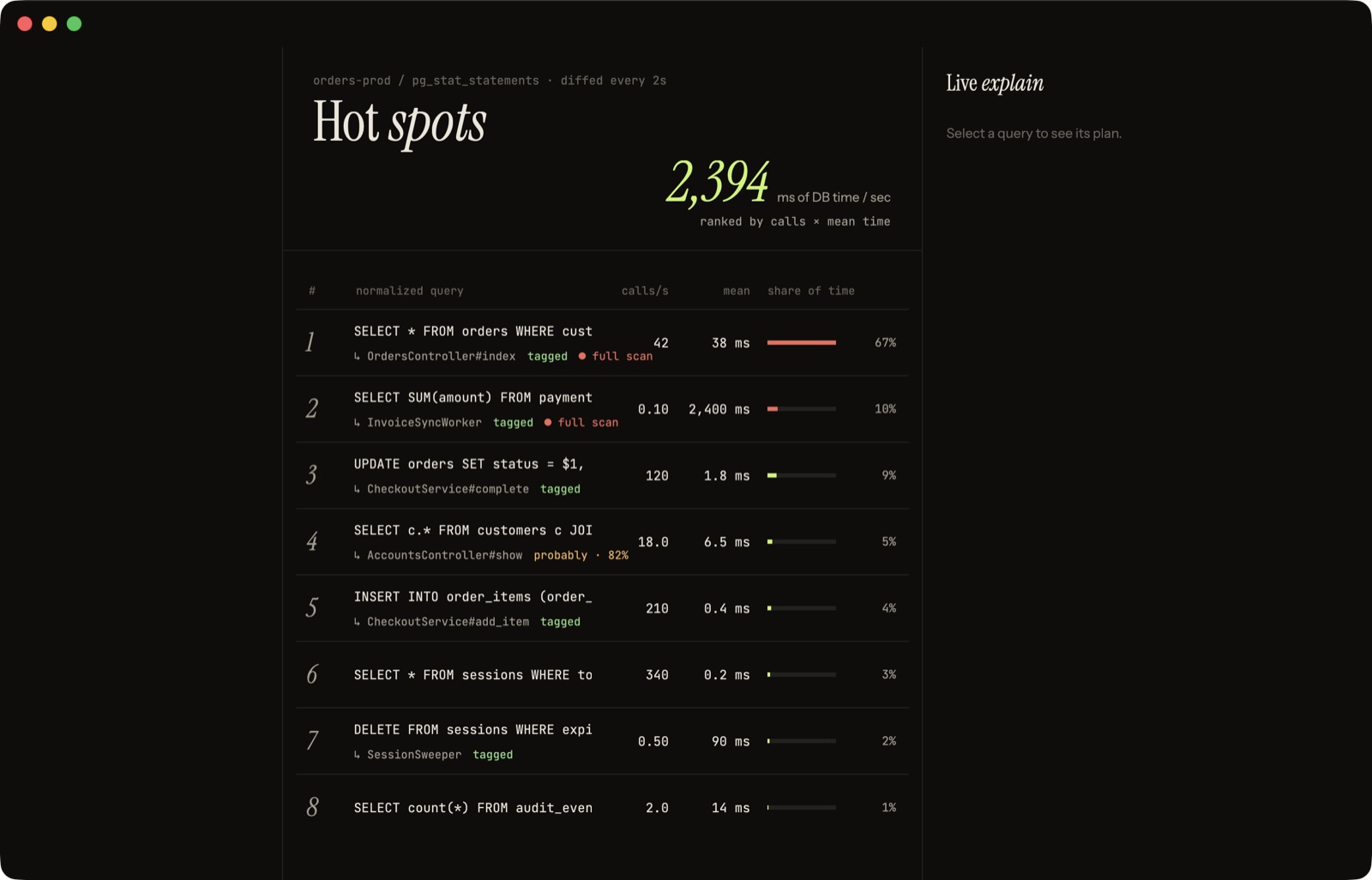
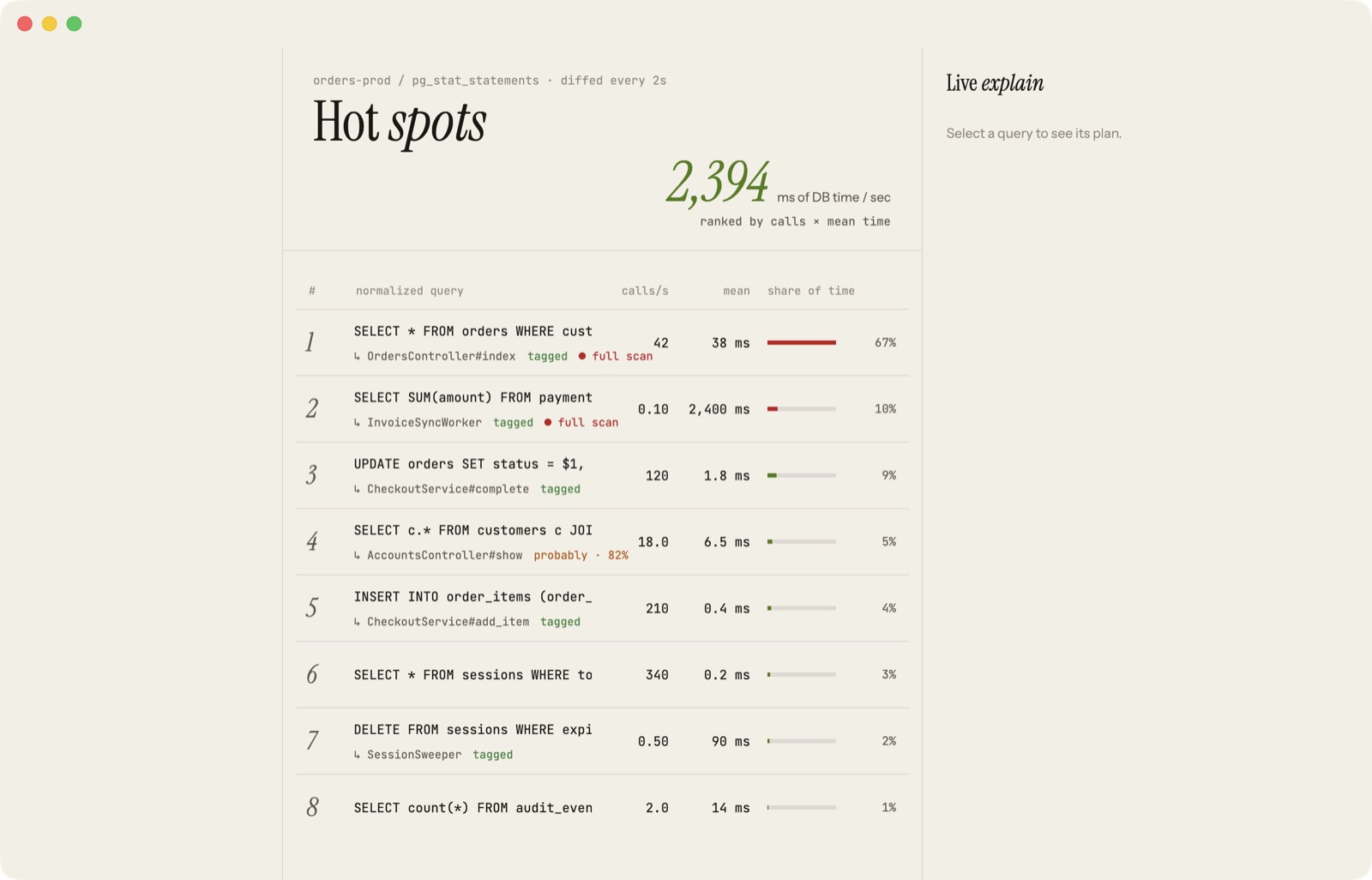
A leaderboard of normalized queries ranked by calls times mean time, diffed every couple of seconds. Select one to see its live plan and an index suggestion to copy.
Caused-by chips shipped
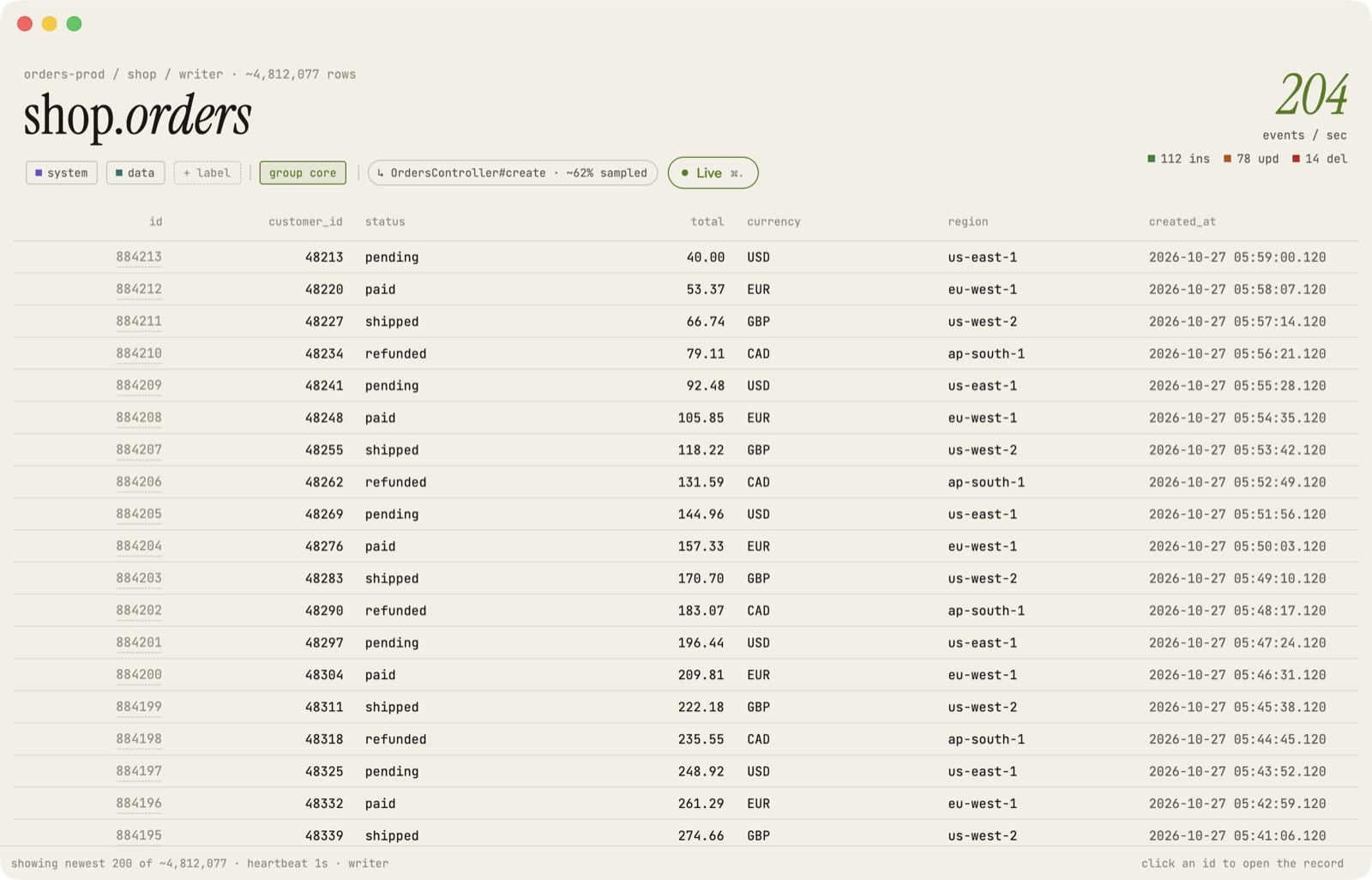
See which code path is writing. PhosphorDB reads sqlcommenter and Rails Marginalia tags from running queries and shows chips on tables, in the grid header, and in hot spots.
Diagnostics shipped
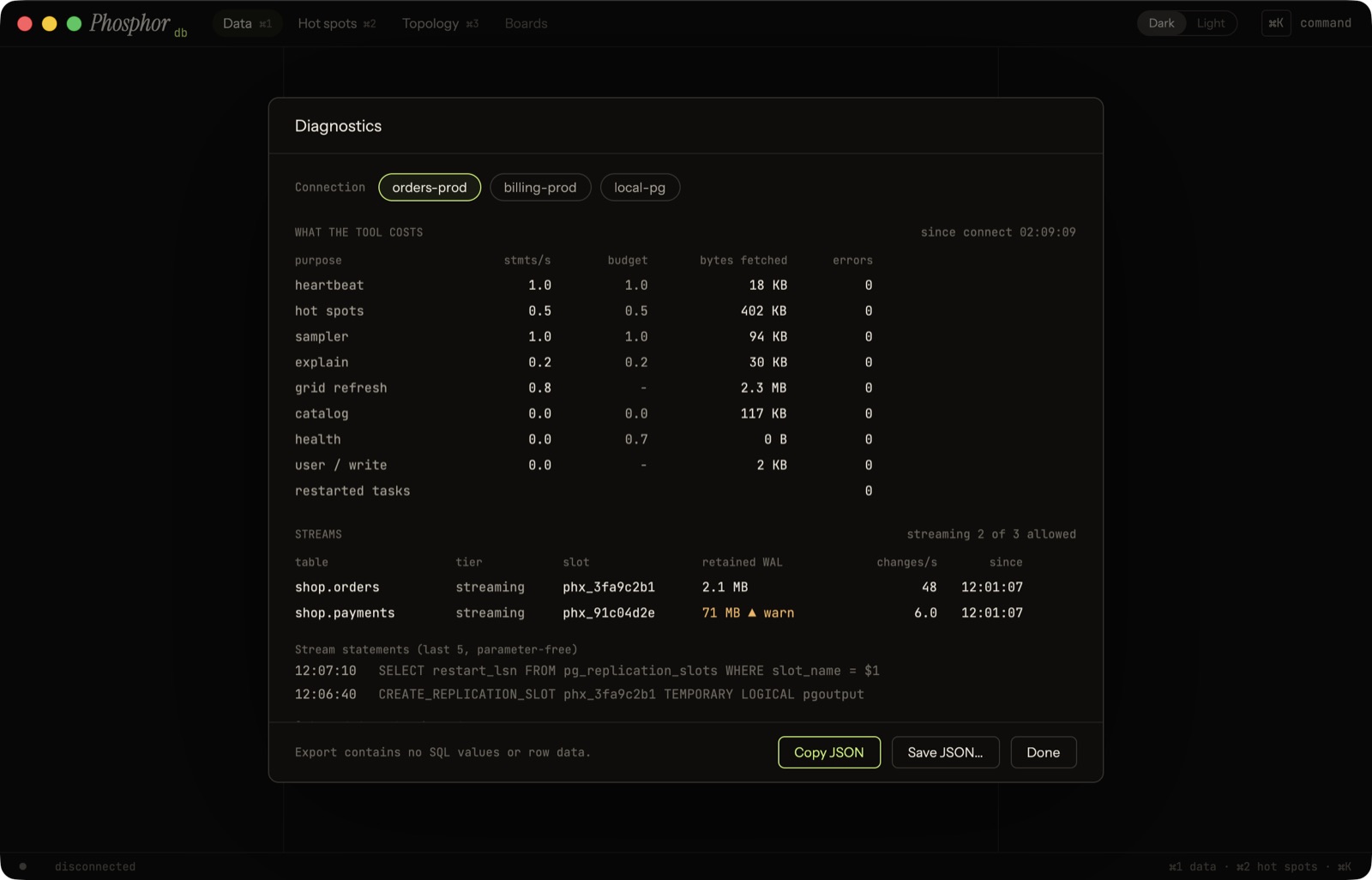
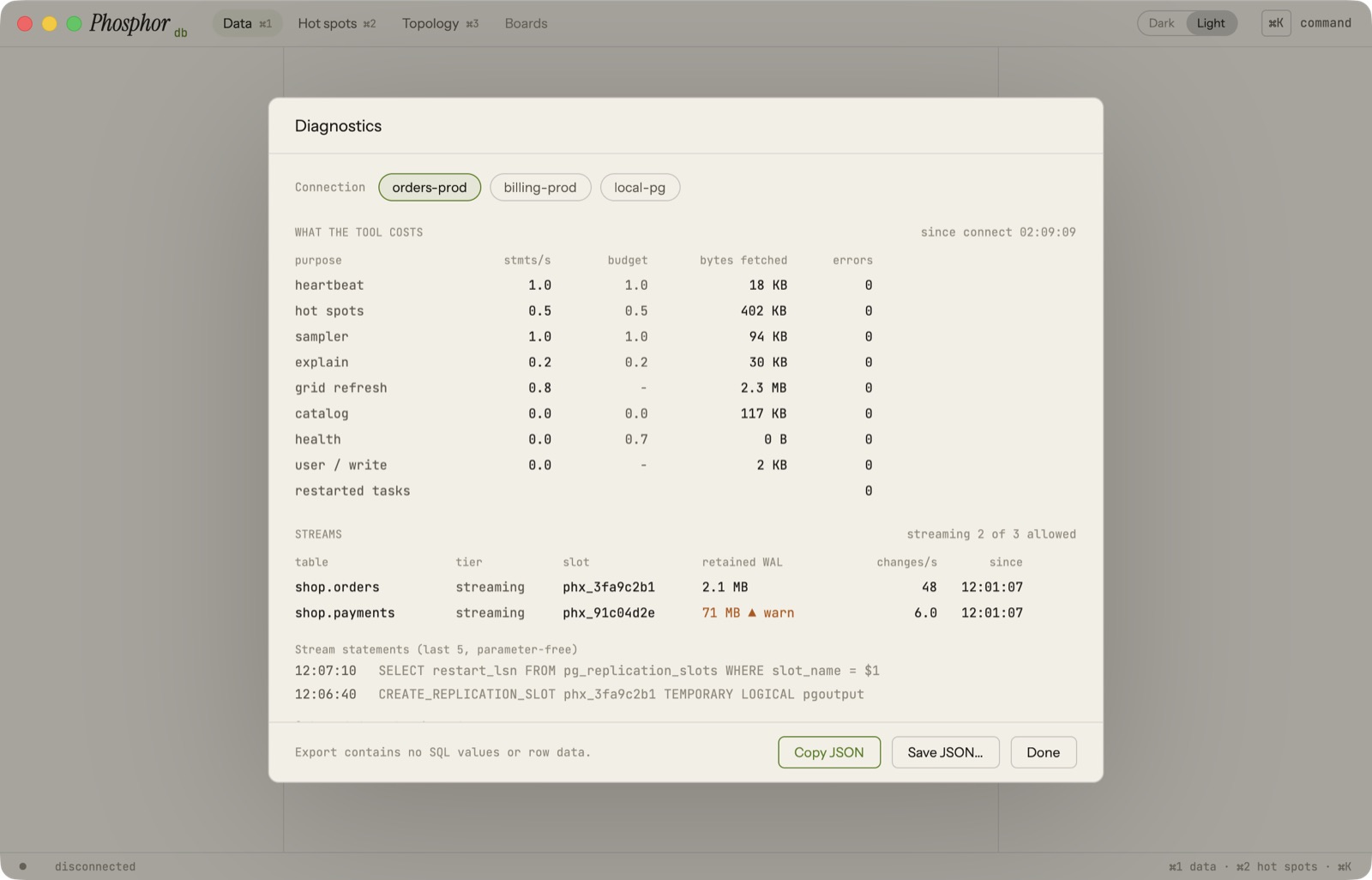
See what PhosphorDB itself costs: statements per second by purpose, bytes fetched, recent errors, and which data sources are available. Export as JSON for a bug report.
04 — connections
Found, not typed.
Cloud databases are discovered from the tools you already use. Auth and tunnels are handled.
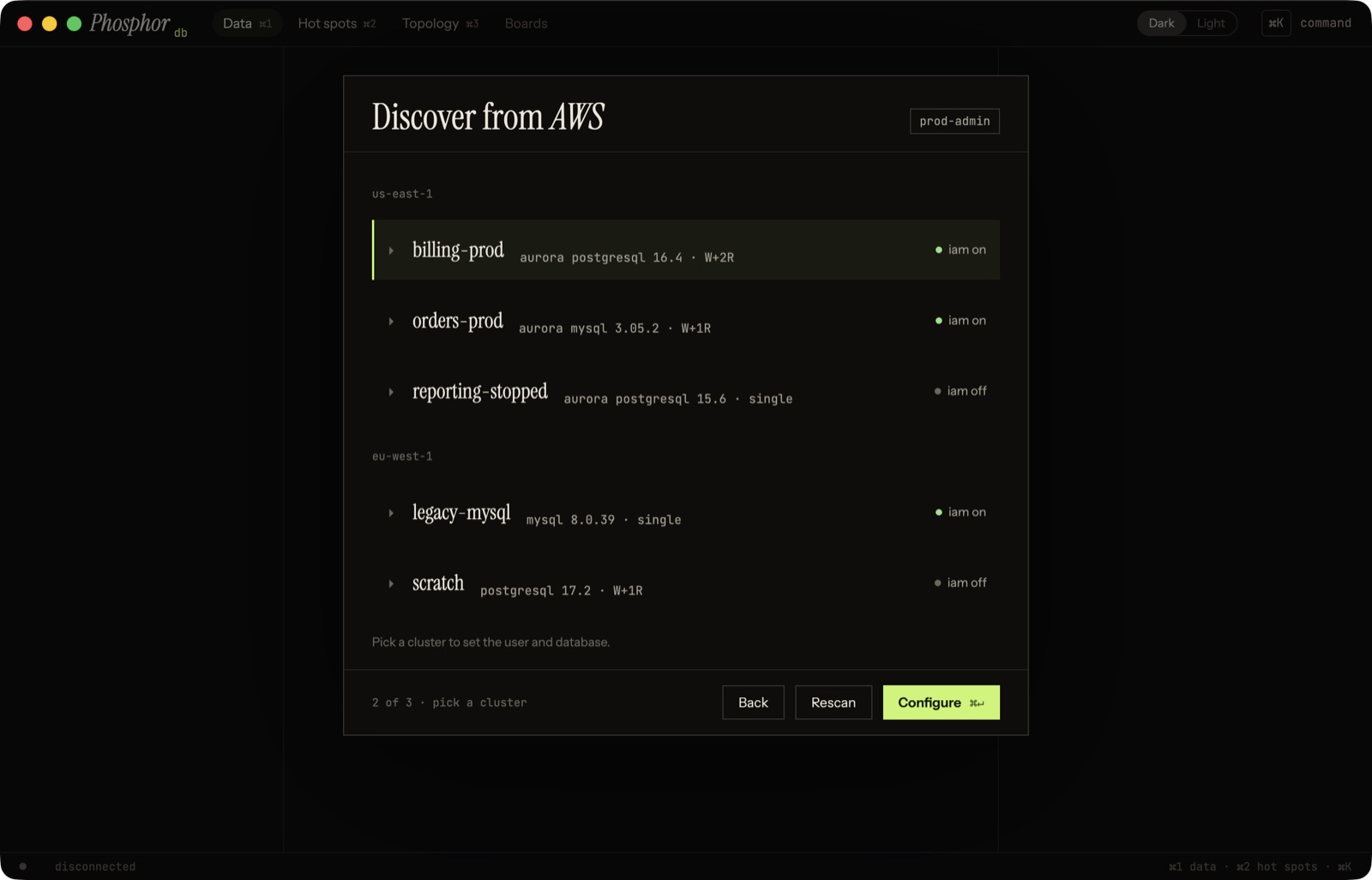
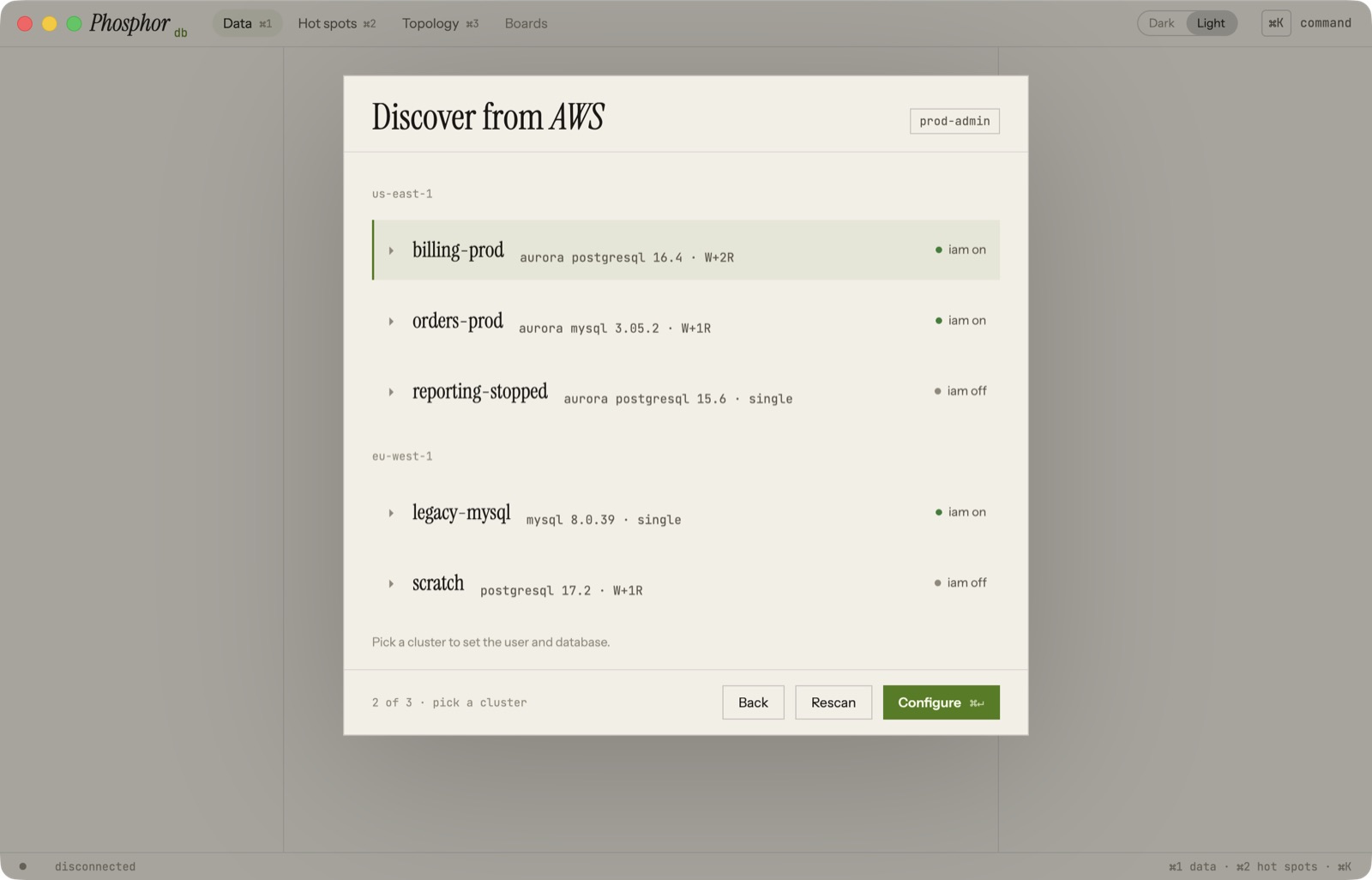
Aurora and AWS discovery shipped
Pick an AWS profile and PhosphorDB lists your clusters. Connect with IAM database auth or a password stored in the macOS keychain, through an SSM or SSH tunnel when you need one.
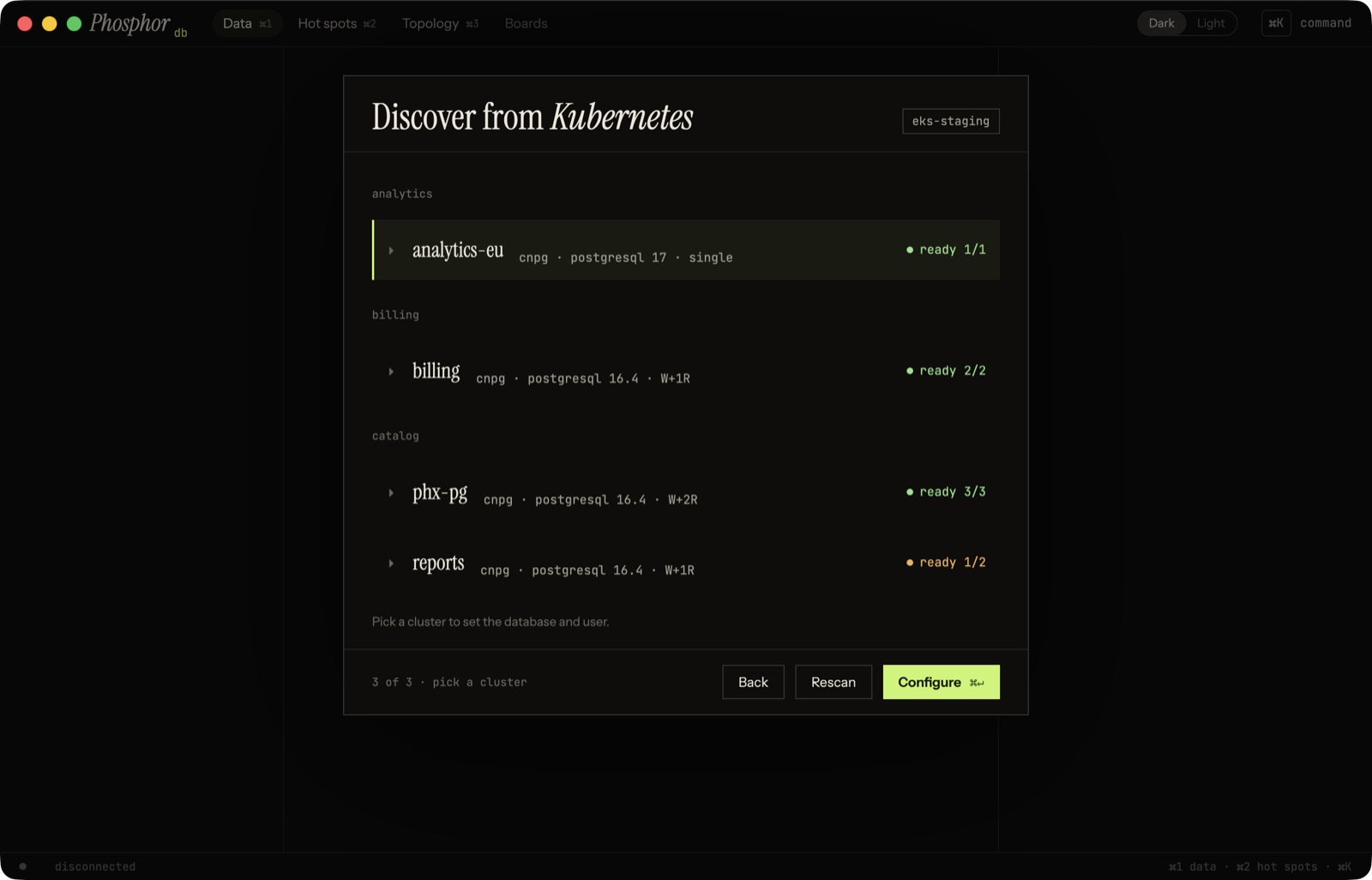
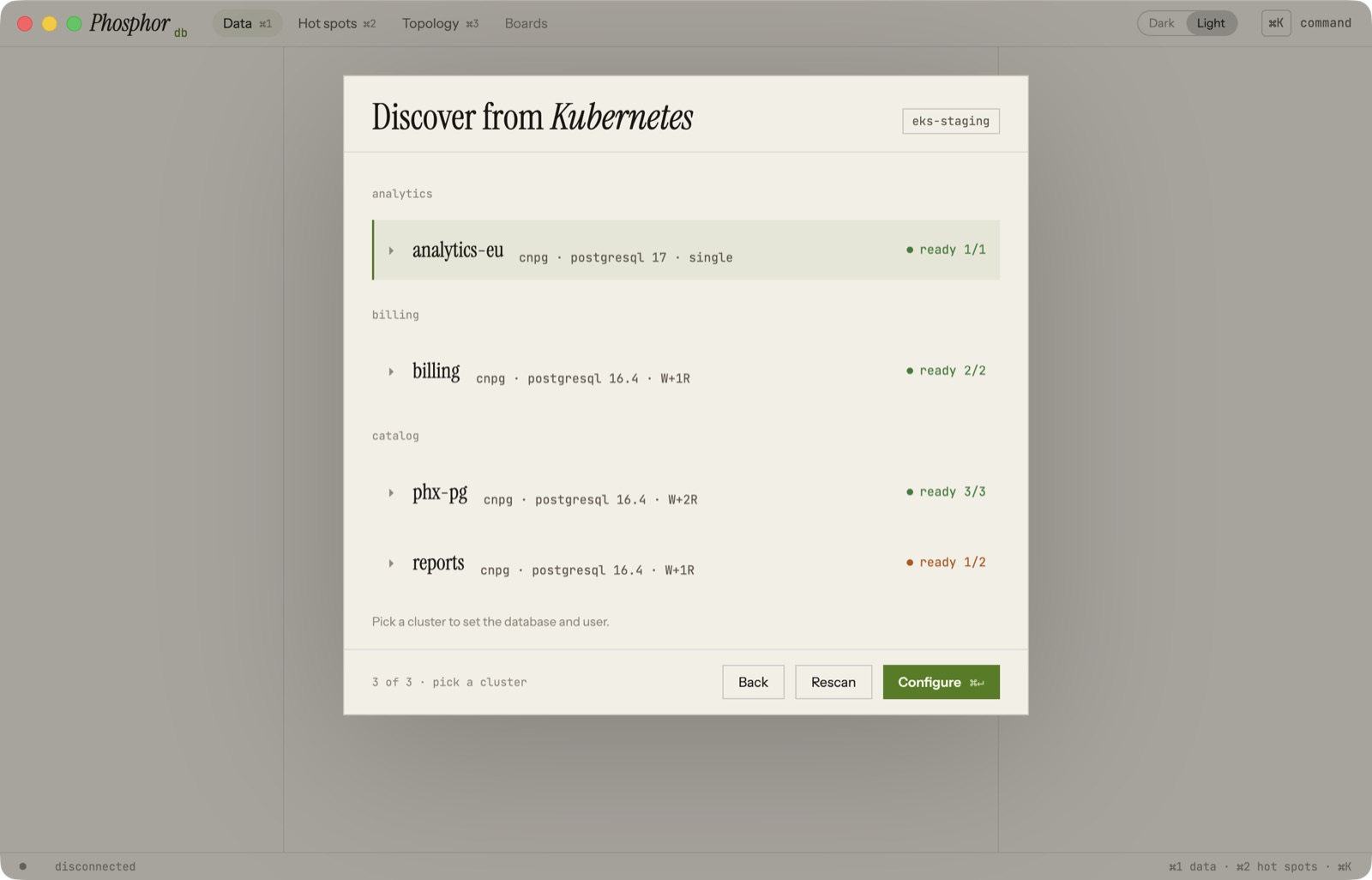
Kubernetes and CloudNativePG shipped
Read your kubeconfig, find CloudNativePG clusters, fetch credentials from their secrets and open a port-forward. A failover shows up as it happens.
Read replicas and lag-aware routing shipped
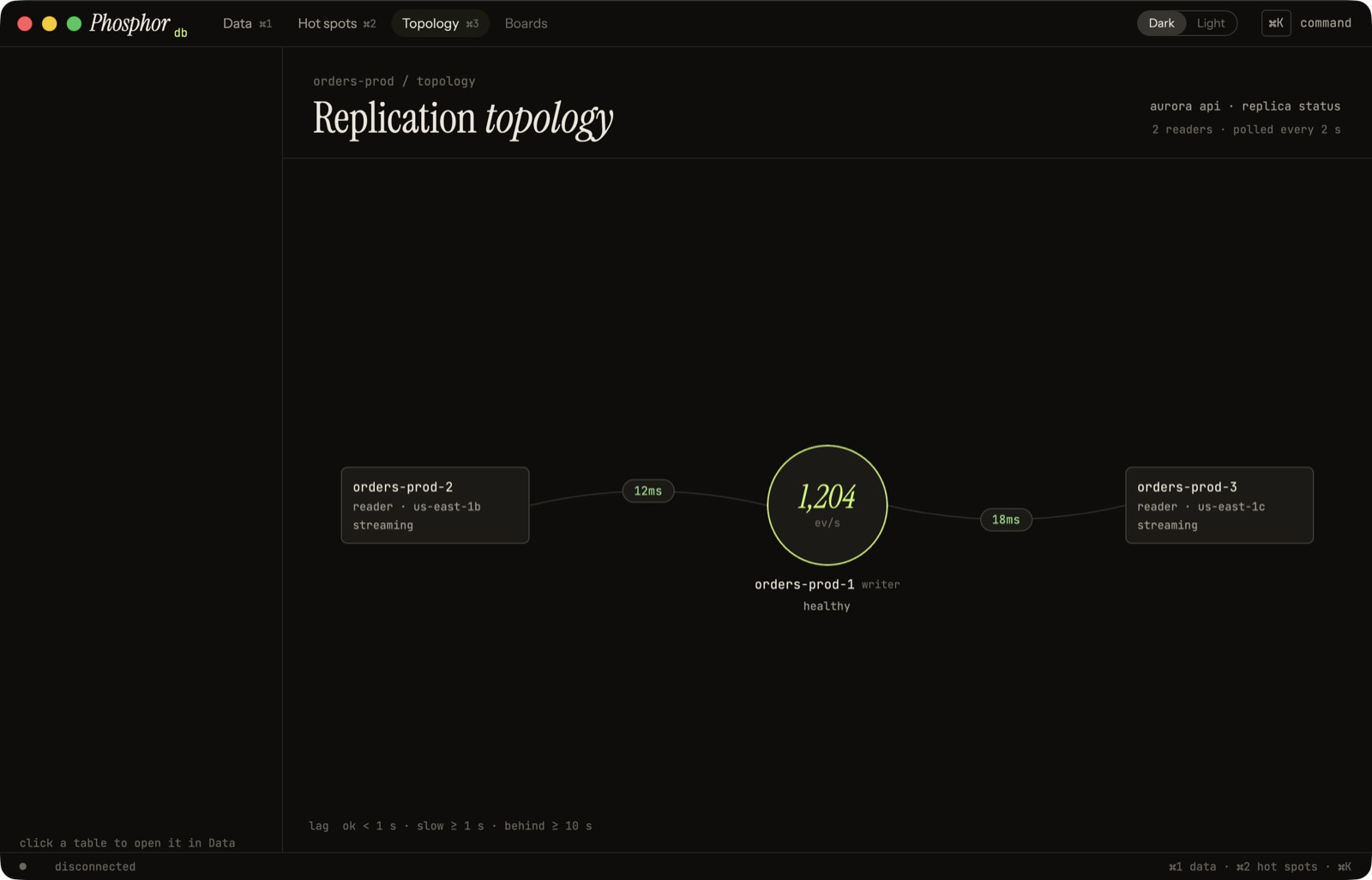
Reads prefer replicas that are keeping up. The status bar shows each reader and its lag. Writes only ever go to the writer.
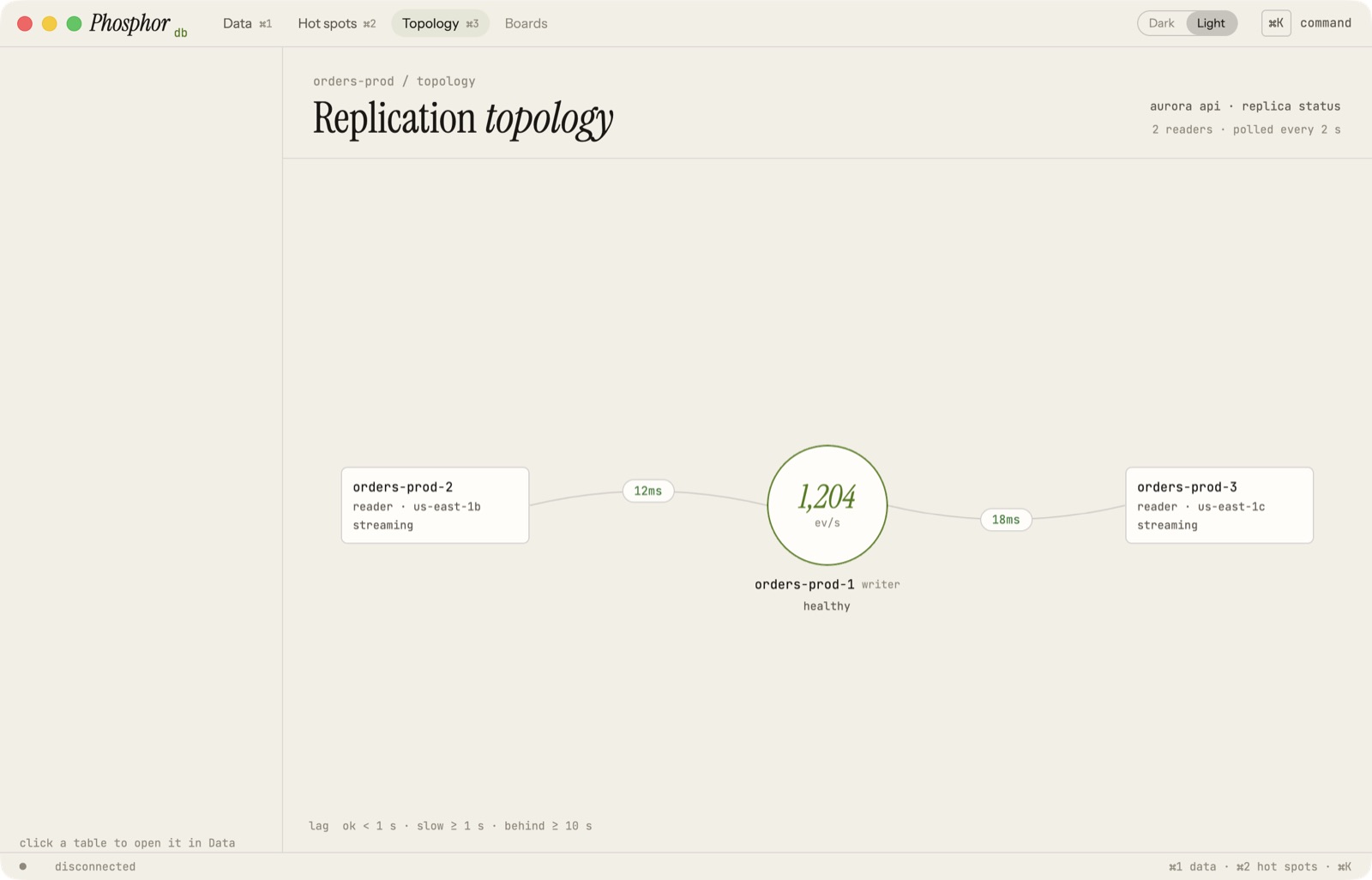
Replication topology shipped
A map of the writer, its readers and the lag on each link, drawn from the live cluster.
Direct connections shipped
Plain host and port connections work too, with TLS verification options and a per-connection read-only switch.
05 — organize
Make it yours.
Real databases have hundreds of tables. Sort them out once.
Labels and groups shipped
Colour labels and named groups for tables, with filter chips in the sidebar. PhosphorDB suggests labels for system tables the first time it sees them.
Team labels from the repo shipped
Labels and groups can live in your repository so the whole team sees the same sidebar.
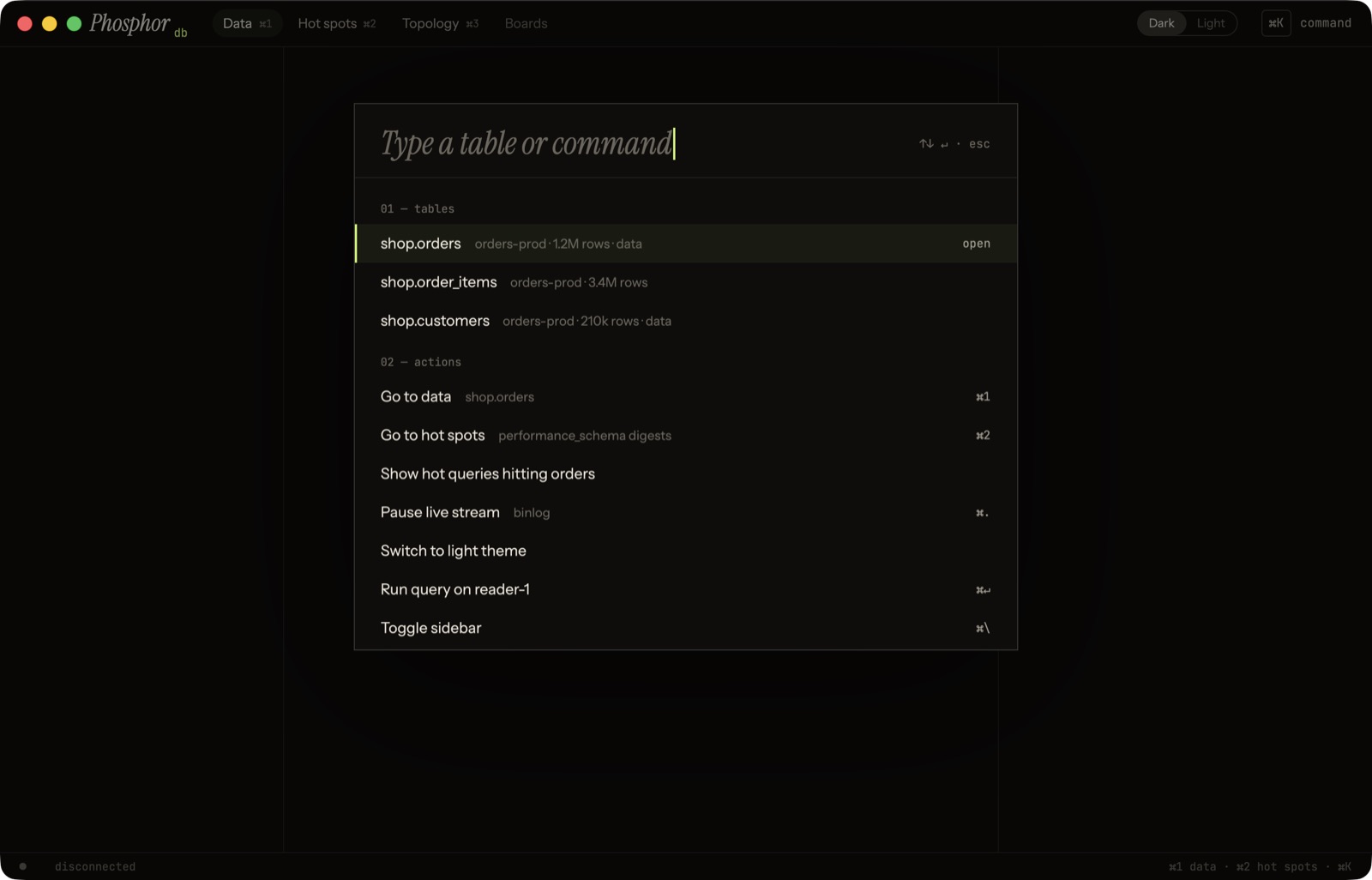
Command palette shipped
Press ⌘K for everything: open a table, switch theme, run an action. The three most recent tables are one keystroke away.
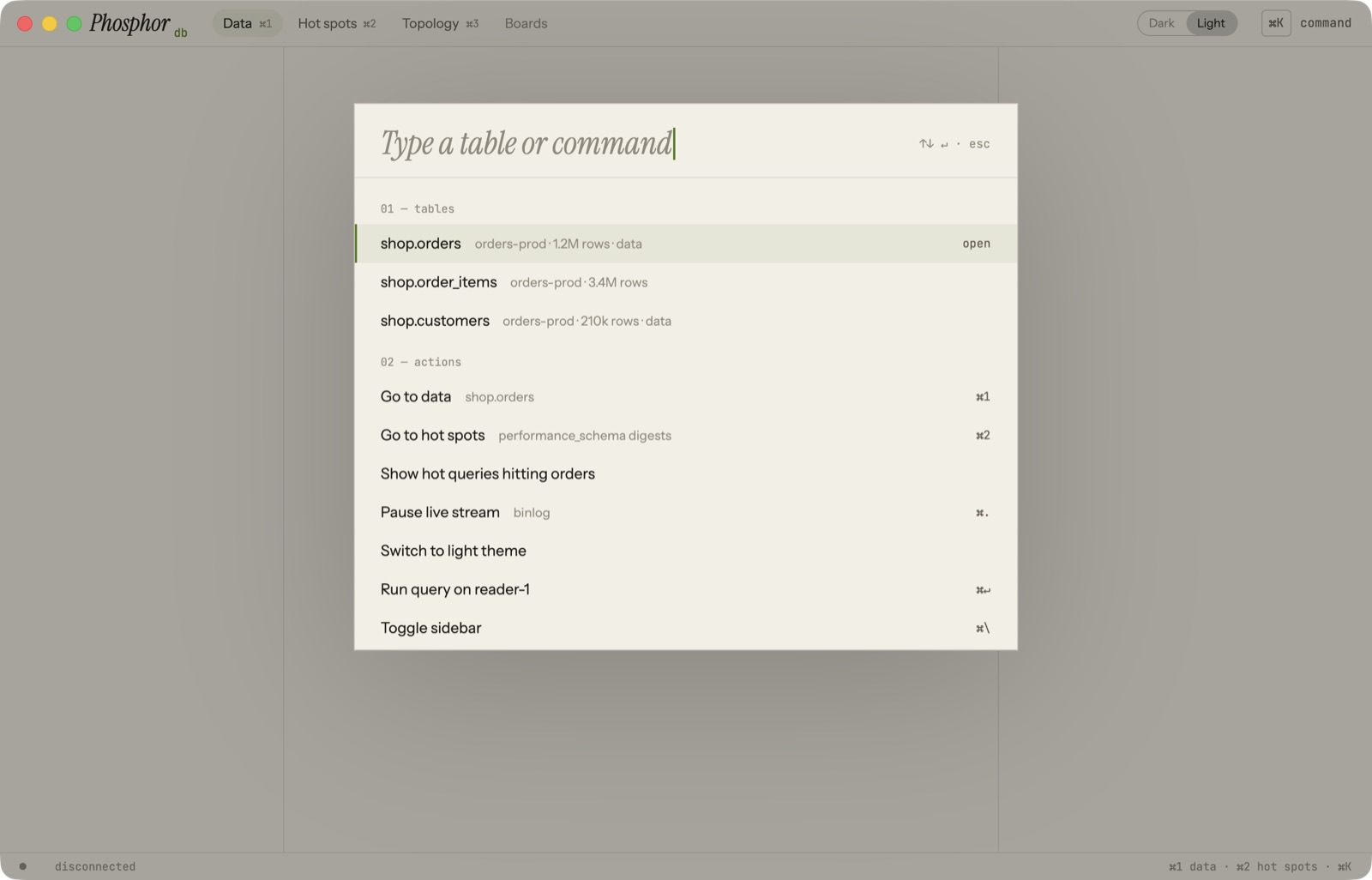
Dark and light shipped
Both themes, plus a system option. Increased contrast and reduced motion are respected.
06 — safety
Never apply.
The rules the product keeps, and will keep.
No schema or infrastructure changes to a live system
There is no apply button anywhere in PhosphorDB. The repository is the source of truth. Index suggestions are copied as SQL today and become pull requests on the roadmap.
Reads are read-only
Everything you read runs inside an explicit read-only transaction. Every statement goes through one execution path that records its purpose and route, without parameters.
Writes are explicit
Row edits are staged first, shown as SQL, and written to the writer endpoint only when you commit them.
Secrets stay in the keychain
Connection passwords live in the macOS keychain, not in config files.
Postgres and MySQL are supported side by side. Everything here is built and working today. For what is coming, see the roadmap.
download
Watch your database move.
PhosphorDB for macOS is coming. Postgres and MySQL, native, fast, and quiet when your data is.